
When a school decides to digitise, one of the first choices is where the software lives: on a computer in your office (desktop) or on the internet (cloud). The cloud vs desktop school software question has no single answer. Both can work, and the right choice depends on your internet, your staff and how you want to grow. Here is a plain comparison for Pakistani schools.
Table of Contents
Quick Definitions
- Desktop software is installed on one office computer or a local network. Your data is stored on that machine.
- Cloud software runs in a web browser. Your data is stored on secure servers and you log in from any device.
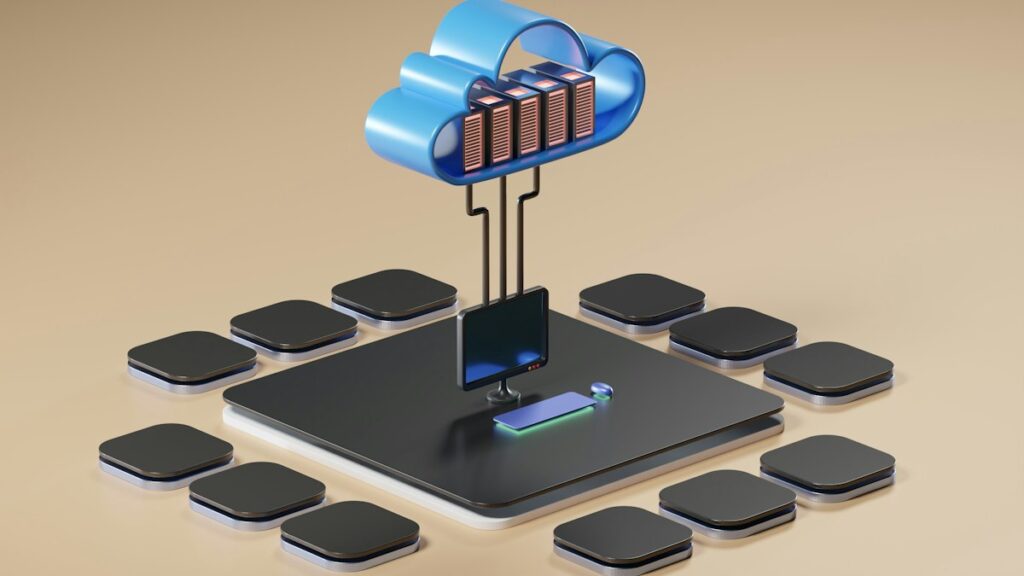
Cloud vs Desktop School Software: Side-by-Side Comparison
| Factor | Desktop | Cloud |
|---|---|---|
| Access | Office computer only, unless you set up remote access | Any phone or computer with internet |
| Data backups | Your responsibility | Handled by the provider |
| If the computer fails | Data may be lost without a backup | Data stays safe on the server |
| Updates | Manual installs | Automatic |
| Multiple campuses | Hard to connect | Managed from one account |
| Parent access | Rarely included | Parent portal on a phone |
| Internet needed | Mostly no | Yes |
| Upfront cost | Often higher (licence, computer) | Often lower (free or per-student plans) |
The Honest Concerns Pakistani Schools Raise
“What about load-shedding and weak internet?”
This is the most common worry, and it is fair. Cloud software needs internet. Many schools handle this with a mobile data backup or by entering attendance and marks when connectivity returns. If your school has no reliable internet at all, ask any vendor how their software behaves in that situation before you decide.
“Is my data safe in the cloud?”
Safety depends on how the vendor stores it. Ask whether each school has its own isolated database, how backups work and who can access the data. Apna School Edu gives every school its own isolated database, so your data is never mixed with another institution’s.
“What if the vendor disappears?”
Ask for the ability to export your data at any time. This applies to cloud and desktop software alike.
When Desktop Software Makes Sense
- Your school has no dependable internet and cannot get any.
- You only need a basic offline record for a very small, single office.
- You have someone in-house who can manage backups and updates.
When Cloud Software Makes Sense
- You want parents and teachers to log in from their phones.
- You may open more than one campus.
- You do not want to manage servers, installations or backups.
- You want to start small and grow without buying new equipment.
What Setup Looks Like in the Cloud
With Apna School Edu, your portal is configured and your existing data migrated in under 24 hours, and your team gets free training. There is nothing to install. See how it works, or read our step-by-step guide to moving from Excel to school ERP.
Cost Comparison
Desktop software often needs a licence, a computer and someone to maintain it. Cloud software usually has no upfront cost, and you pay as you grow. Apna School Edu has a Free Plan for up to 100 students and paid plans priced per student. Read our school management software price guide for a full breakdown.
A 5-Question Test
- Do parents need to see information on their phones?
- Might you add a second campus in the next few years?
- Who will manage backups if you choose desktop?
- How reliable is your internet on a normal school day?
- Can you export your data if you want to switch?
If you answered yes to the first two, cloud is usually the better fit. For a full vendor comparison, use our checklist to choose school management software.
Cloud vs Desktop School Software: Frequently Asked Questions
Is cloud school software safe?
It can be, if the vendor isolates each school’s data, runs regular backups and controls access. Ask these questions before you commit.
Can cloud software work with a slow connection?
Basic tasks work on modest connections. Test during your demo, on the connection you actually use.
Is desktop software cheaper?
Not always. Licences, computers and support often add up. Compare total cost over three years.
Can I move from desktop to cloud later?
Usually yes, if you can export your records. Our team can help migrate existing data.
Leave a Reply